Learn reliable workflows for cleaning up photos, media libraries, downloads, and archive folders with live preview and local processing.
Getting started
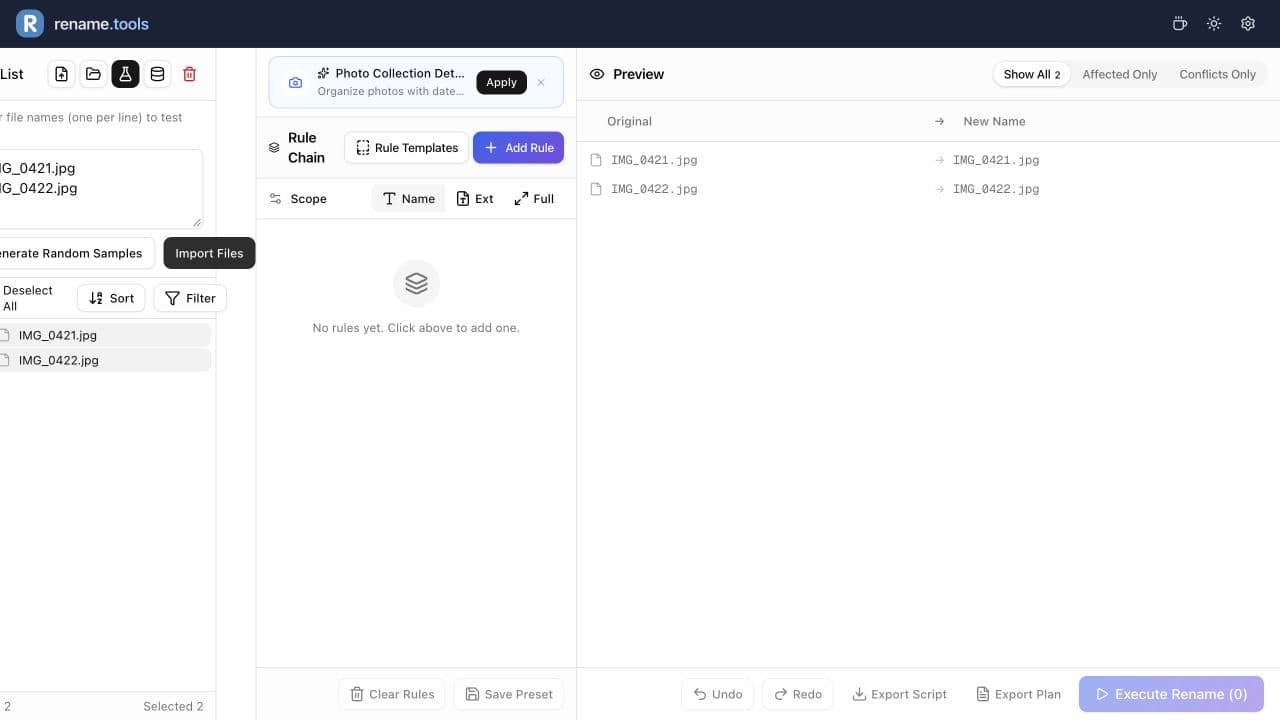
Learn the safest bulk rename workflow: add files, build a rule chain, inspect the preview, resolve conflicts, and execute locally.
Photos
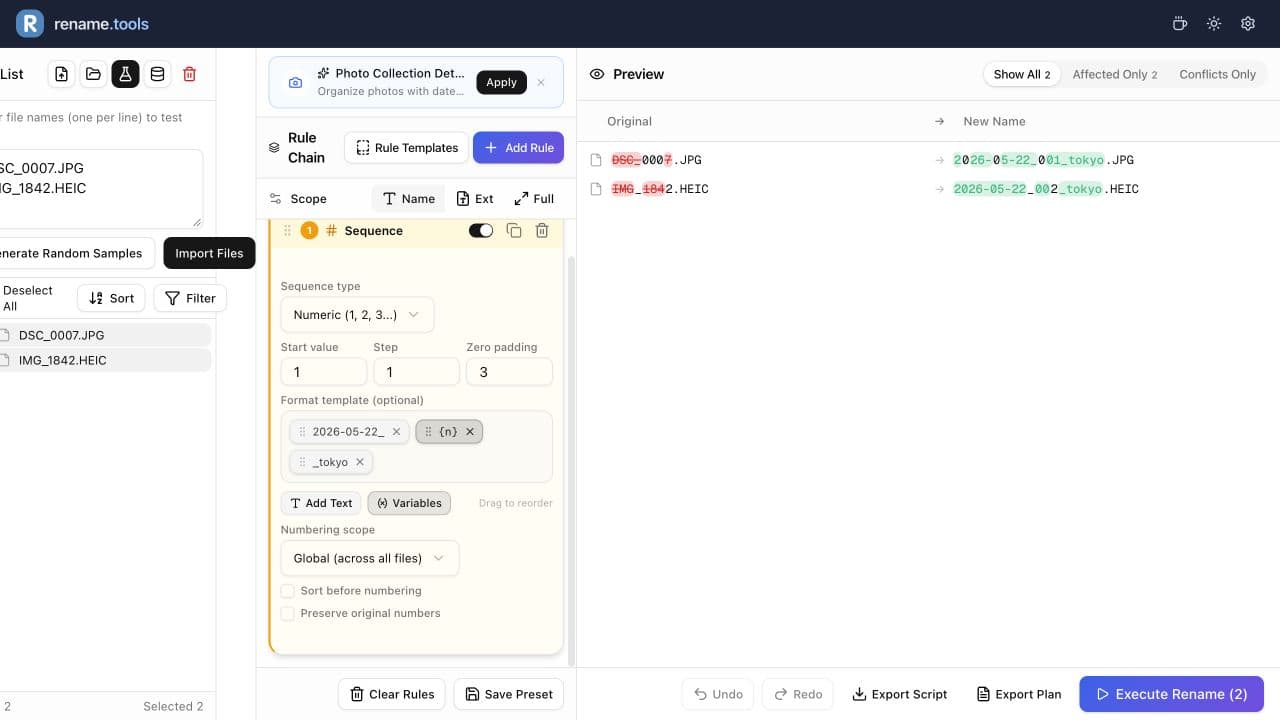
Rename camera photos with date prefixes and padded sequence numbers so albums stay sortable and easy to scan.
Patterns
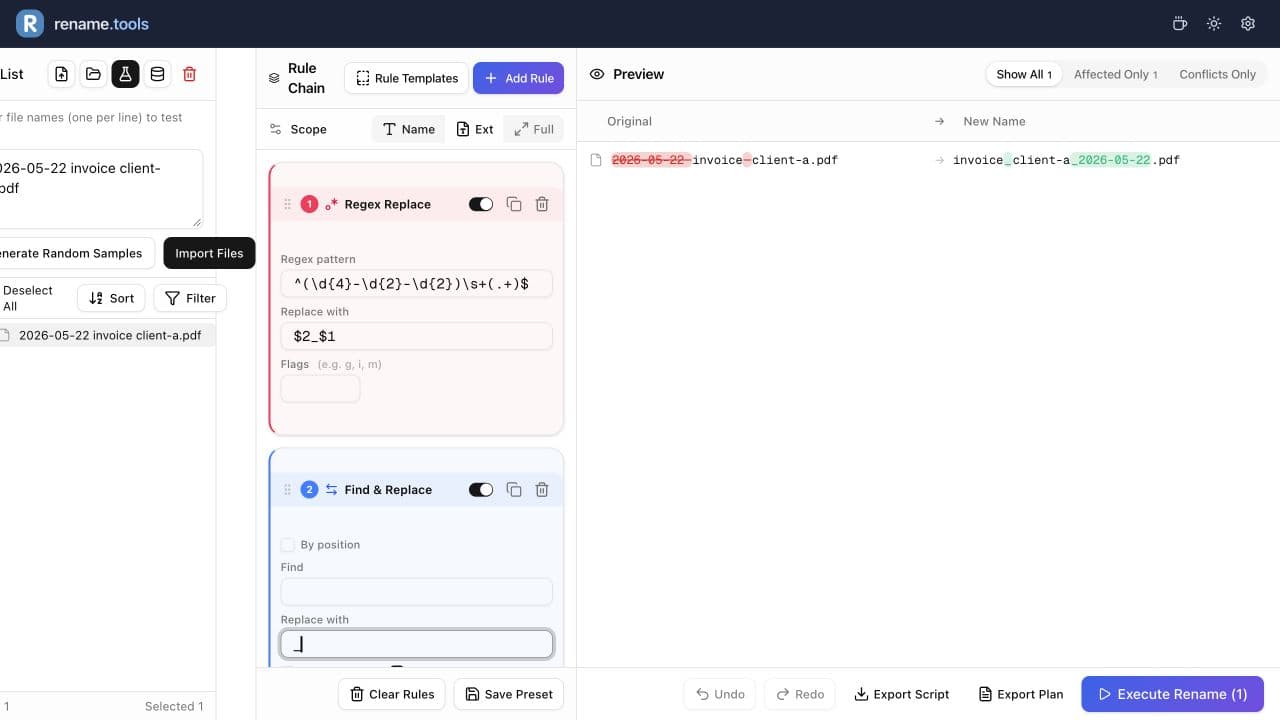
Learn practical regex bulk rename patterns for removing clutter, rearranging dates, and extracting useful filename parts.
Getting started
Learn the safest bulk rename workflow: add files, build a rule chain, inspect the preview, resolve conflicts, and execute locally.
Photos
Rename camera photos with date prefixes and padded sequence numbers so albums stay sortable and easy to scan.
Patterns
Learn practical regex bulk rename patterns for removing clutter, rearranging dates, and extracting useful filename parts.
Numbering
Use padded sequence numbers, sorting, and per-folder numbering to create filenames that stay organized everywhere.
Media
Clean up music files and video episodes with metadata variables, sequence rules, regex patterns, and TMDb-assisted matching.
Everyday tasks
Batch add project names, client prefixes or version suffixes while keeping original filenames and extensions. Try the rules with sample names before applying them locally.
Everyday tasks
Batch replace or remove spaces in filenames, preserve extensions, and handle repeated whitespace. Compare literal replacement with regex using tested examples.
Open Rename.Tools, add a few sample files, and preview every rule before touching the real filenames.